Introducing Skywrite, a dashboard for your Atmosphere account
Friday, November 27th 2026
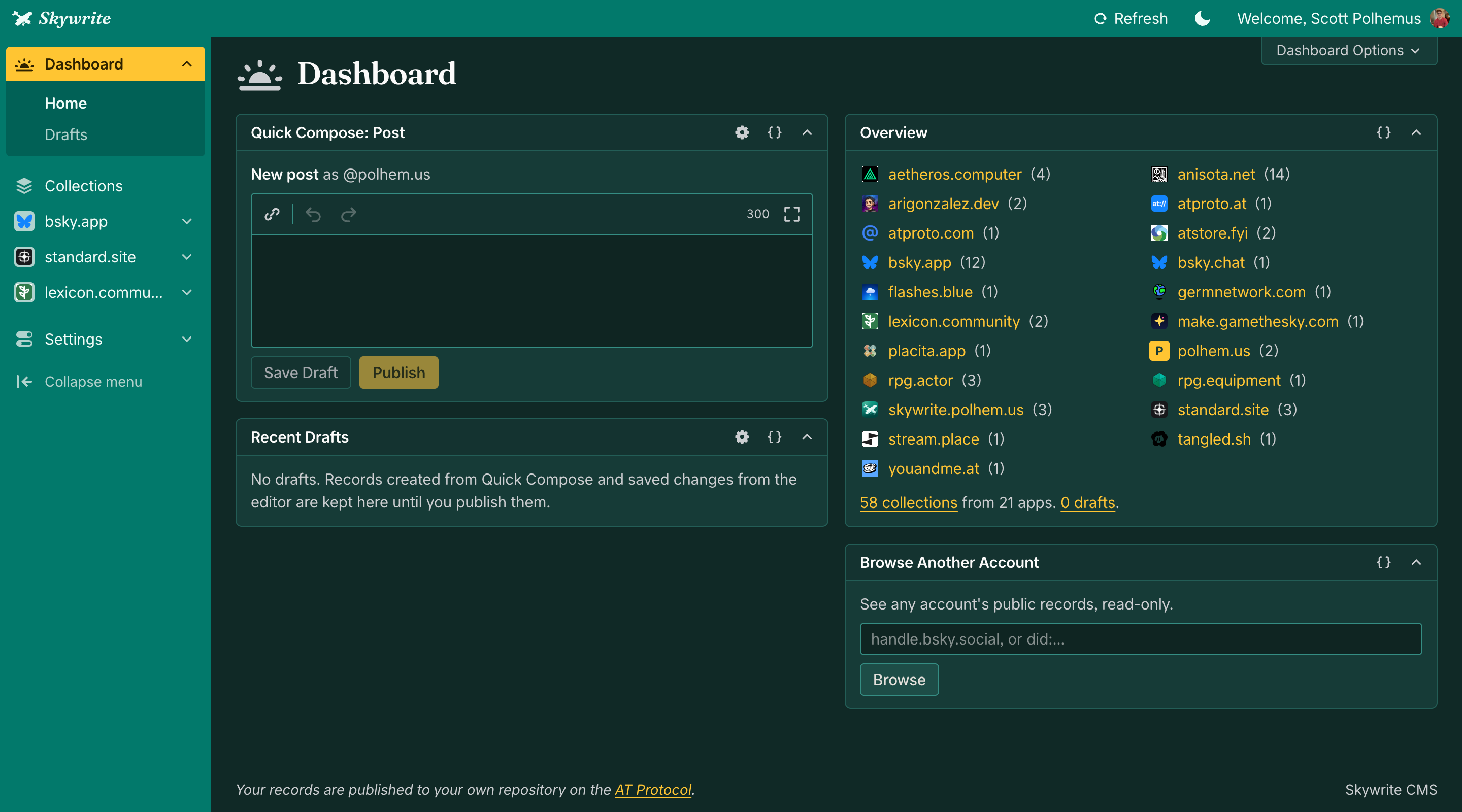
Skywrite lets you browse and manage your own data in the Atmosphere. See exactly what’s being published to your account by other apps, and compose any kind of content in a familiar and flexible CMS-like interface. Check it out at https://skywrite.polhem.us
One of the coolest things about the AT Protocol is that the content you create in any of your apps (such as your Bluesky posts, likes, and follows) is kept together in one place: organized as collections of records in your Personal Data Server repository (or "PDS repo", for short). That repo is hosted by your account provider (where you signed up for your account), but you can change providers or choose to host it yourself at any point without losing access to any of your content or apps. Your data is your own, not the property of whatever platform you happened to post it to.
From the user’s perspective, a tangible benefit to this architecture is that you can log in to any atproto app using a single username and password (your “Atmosphere account”). Furthermore, apps can take advantage of the fact that your account might contain data from other places so that, for instance, signing up for a new social app on the protocol won’t require you to rebuild your profile and network of connections from scratch.
Apps can publish all kinds of data to the Atmosphere (it’s not just Bluesky posts!). Developers create "lexicon schemas" to specify what kind of data belongs in a given "collection", and then anyone can recognize and contribute records of that data type across the protocol. Most atproto apps have their own lexicons, and community-driven standards like lexicon.community’s Events and RSVPs (think: FB events on the protocol!) or standard.site’s Publications and Documents (think: RSS on the protocol!) enable different apps and services to build on the same shared network of user data.
One of the first things I did when I started learning about AT Protocol was to move my personal blog’s post content, previously hosted on WordPress, into my PDS repository. I even developed a barebones React interface for populating this content to my repo so I wouldn't need to rely on direct HTTP calls to the PDS server to manage posts. I soon realized that I was backing into a classic rite of passage for software bloggers: I found myself rolling my own Content Management System.
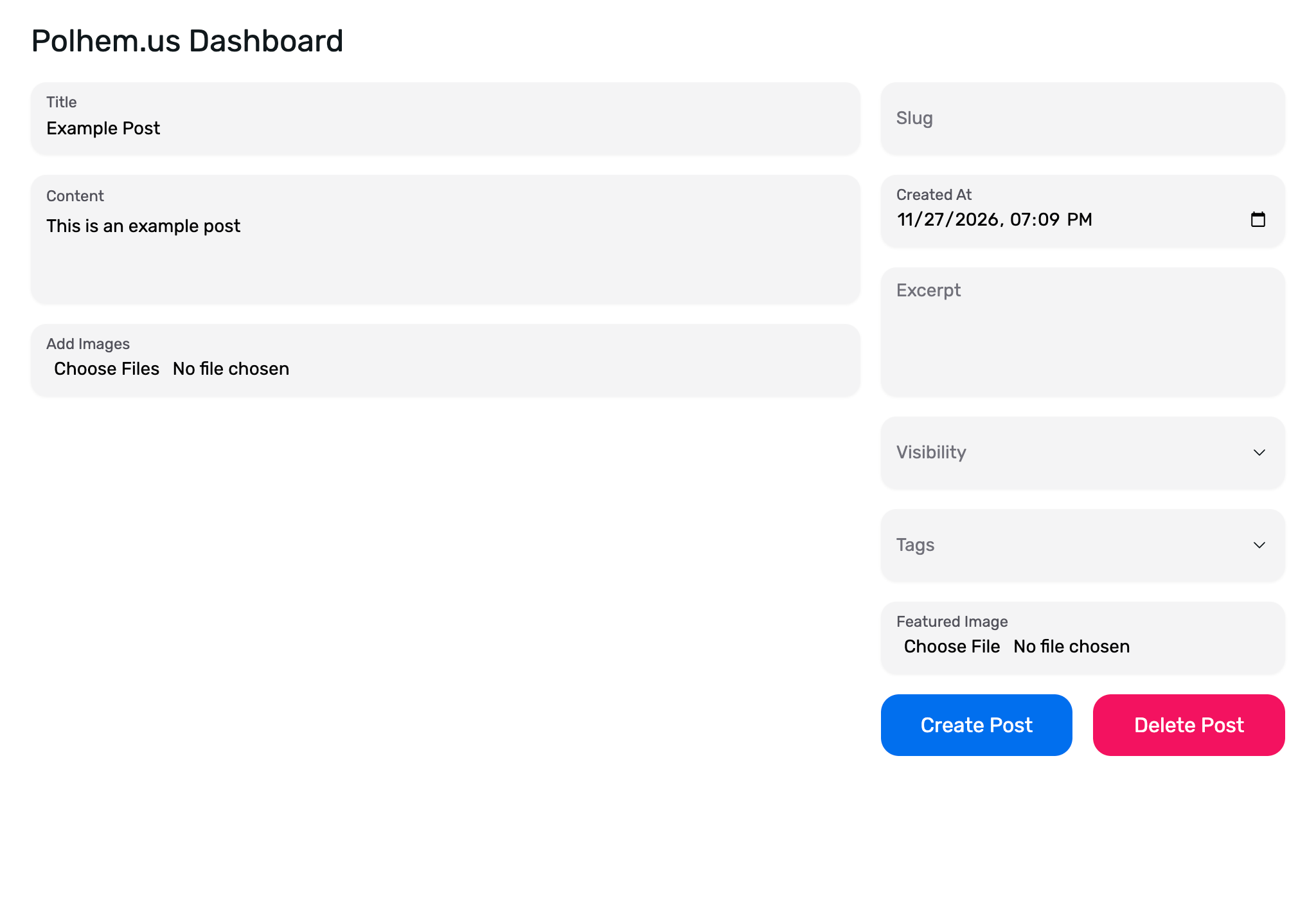
I’d already started thinking of atproto as a backend for everything, so I began to wonder how that concept could be represented in a unified interface. Apps such as ATProto Browser and Taproot have proved how useful it is for developers on the protocol to be able to inspect and analyze raw data from PDS repositories across the whole network. What might it look like to give any user a “single pane of glass” to interact with the records in their own repo from every app?
My answer to that question is Skywrite. Skywrite pulls all of your repo’s collections into one dashboard and aims to make it as easy as possible to browse and manage them. By referencing the published lexicon schemas for each collection, the app presents user-friendly inputs whenever possible while allowing you to “drill down” into raw JSON objects when necessary. Customization options give you control over every aspect of how a collection is managed, from how records are previewed in list and table views to exactly which inputs show up on the editor screen and in what order. And because all of Skywrite’s settings are stored as records in your PDS repo, users will be able to share their preferred configurations with each other.
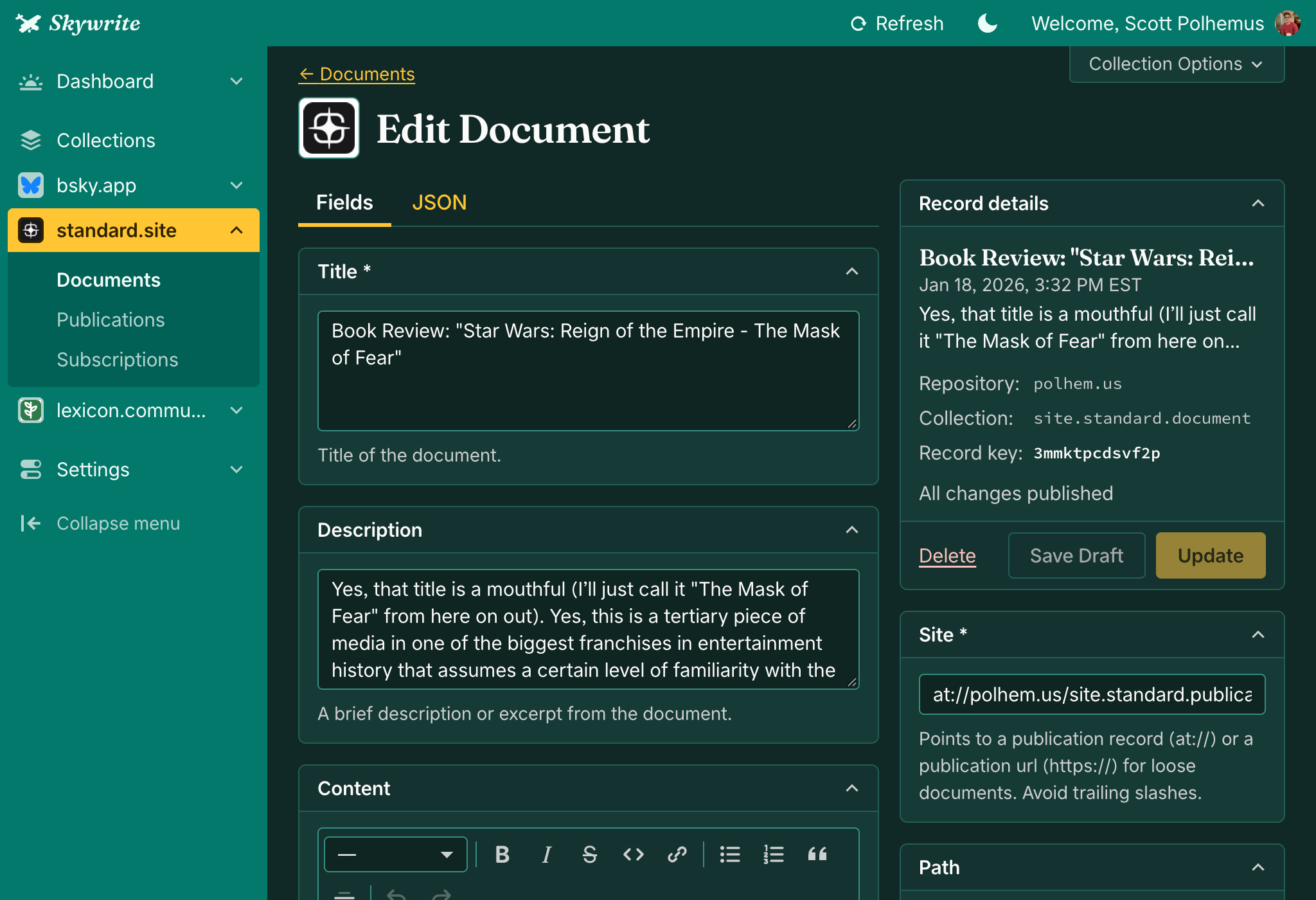
I’ve included sensible default configurations for a few commonly-used schemas, and plan to integrate improved defaults for more data types over time. Even without such defaults, users can configure Skywrite to become a useful editor for lexicons that have not even been invented yet. My favorite part: you can dig into the underlying data model for the Skywrite's preferences from within the app itself.
I’ve been iterating on Skywrite for a while now, and finally feel like it’s reached a level of completeness where it might be useful to at least a few other folks in the AT Protocol community. Beware: some lesser-used corners of the UI are still in a rough state, and there may be some bugs.
If this kind of thing sounds interesting to you, keep tabs on future developments by following @skywrite.polhem.us, and please let me know what you think if you decide to give it a try!